 Sleeve Studio
Make it yourself
Create your own custom silicone sleeve
Design the inside of a sleeve in your browser, print the mandrel it is cast around, and pour platinum-cure silicone into a length of 1.5 inch PVC pipe. Every step is below.
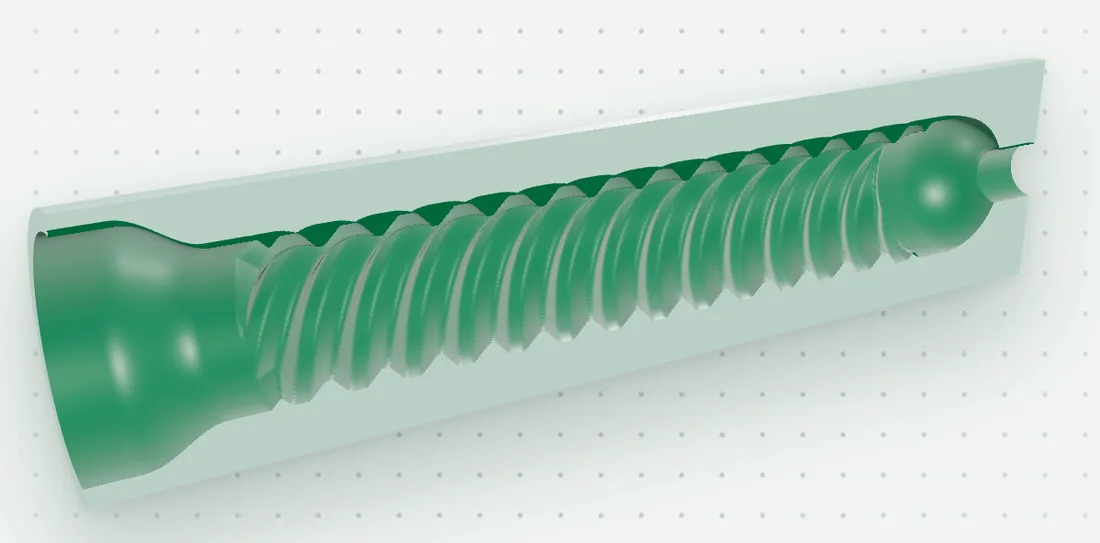
- 1
Design it in Sleeve Studio
Pick a design, adjust the texture, and see it in 3D. Use one design for the whole sleeve, or split it into 4 sections with a different design in each.
Sleeve Studio - 2
Download and print the mandrel
Your download holds the mandrel as an STL file, ready for a resin printer or a print service. Print it in SLA resin.
Print the mandrel - 3
Prep and pour
Seal the pipe, coat everything with release, mix the silicone, pour, and wait about 4 hours. Then pull the mandrel and push out your sleeve.
Prep and pour
Start from a design
See every design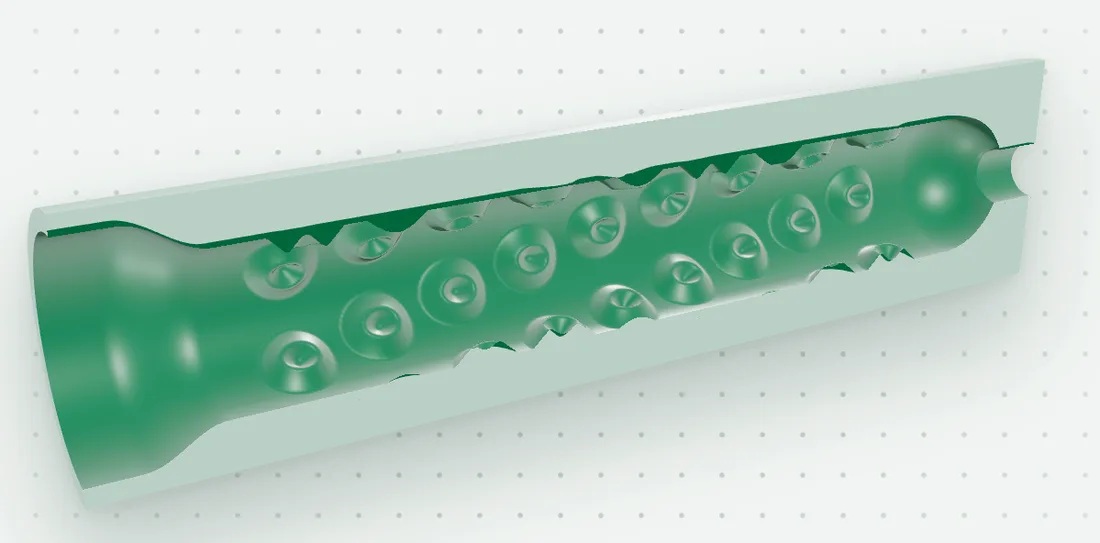
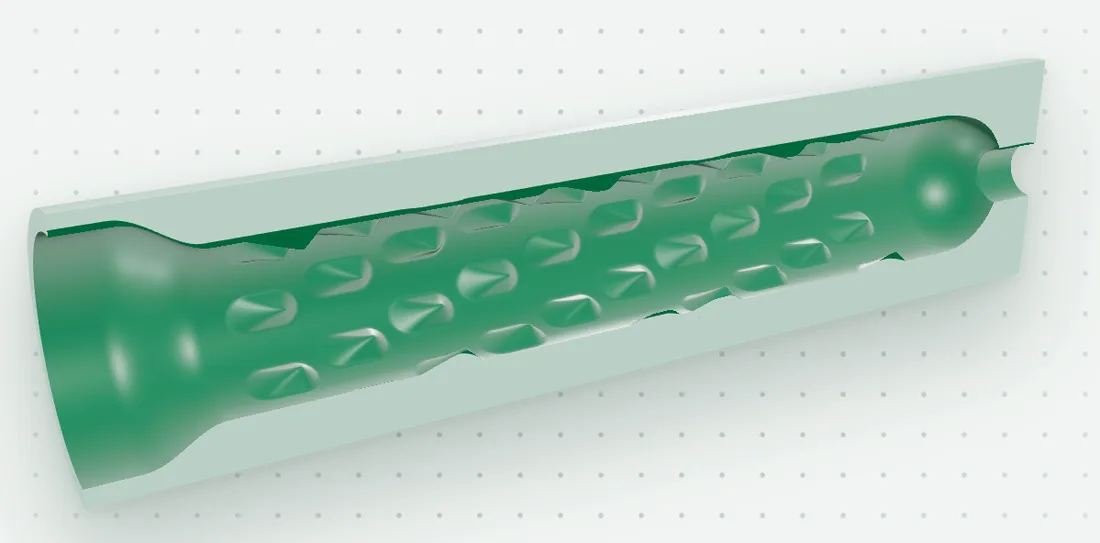
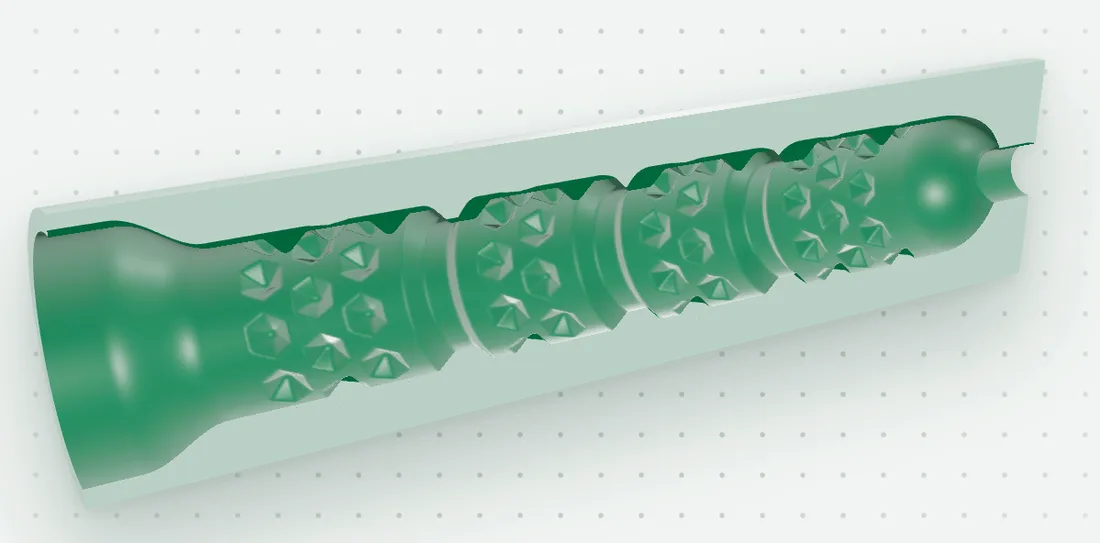
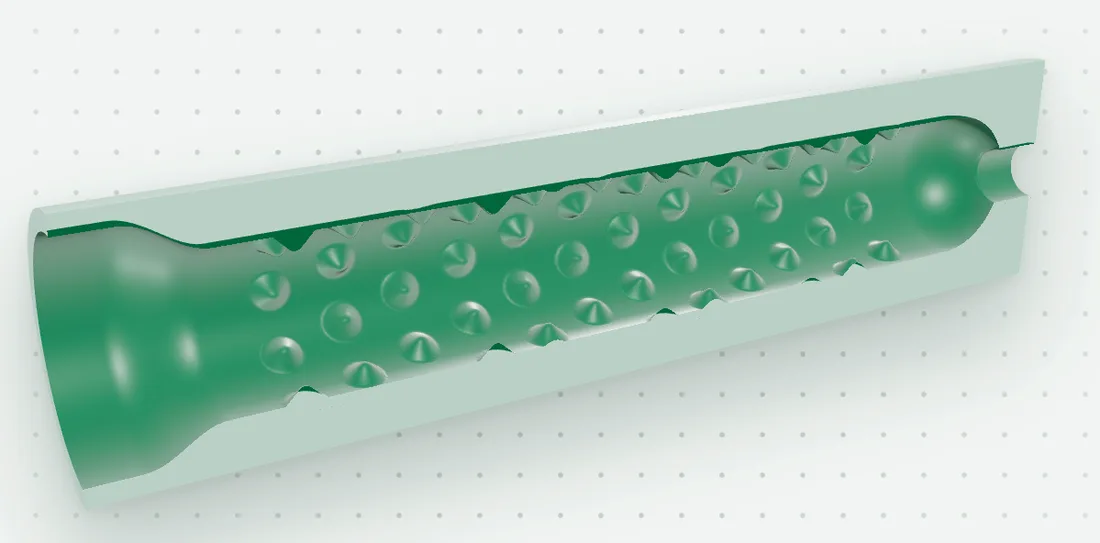
What a mandrel is
A mandrel is the printed shape a sleeve is cast around. It stands in the pipe, the silicone fills the space around it, and when you pull it out it leaves the inside of your sleeve: every nub, ridge and groove you set in Sleeve Studio.
Join the list
We email you news, and when ordering opens. Remove yourself any time.
- No spam, just Sleeve Studio news
- Pick what you want to hear about
- One click to leave